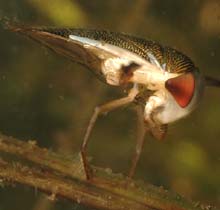
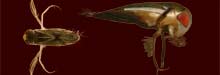
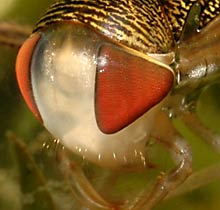
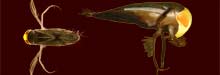
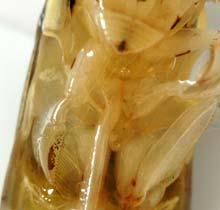
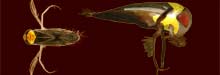
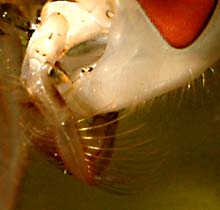
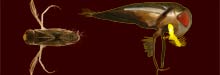
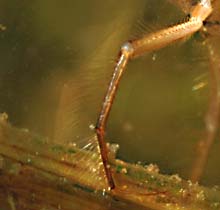
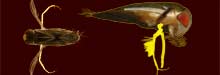
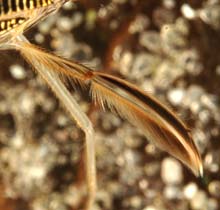
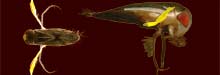
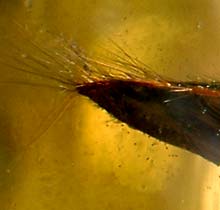
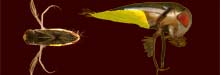
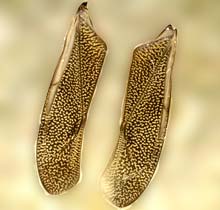
HOW TO USE: If you hover the mouse pointer over the links on the left of this help page (general, head ...) then you should see pictures changing, on the »main page on the anatomy«, you will also see a desccriptive text. The changing highlighted parts in the top pictures, indicate the body part of the Lesser Waterboatman that is selected for a description, while the larger frame shows close up pictures of that part.
Keep the pointer over the part you wish to read about, or click on a link to open a page with more information and pictures of that part.
If all this doesn't work right, or you find it too cumbersome, then you can use the
»OLDER main page on the anatomy«
Otherwise, go BACK the the »MAIN PAGE on the anatomy«
GENERAL RECOGNISING ANATOMY LIFE SPECIES MICRONECTA NAMES

back to WATER BUGS
Page track: INDEX » Bugs » Corixa » anatomy
COPYRIGHT:
rev. 14-08-2024
Nederlandstalige versie
 This page in Dutch
https://www.microcosmos.nl